


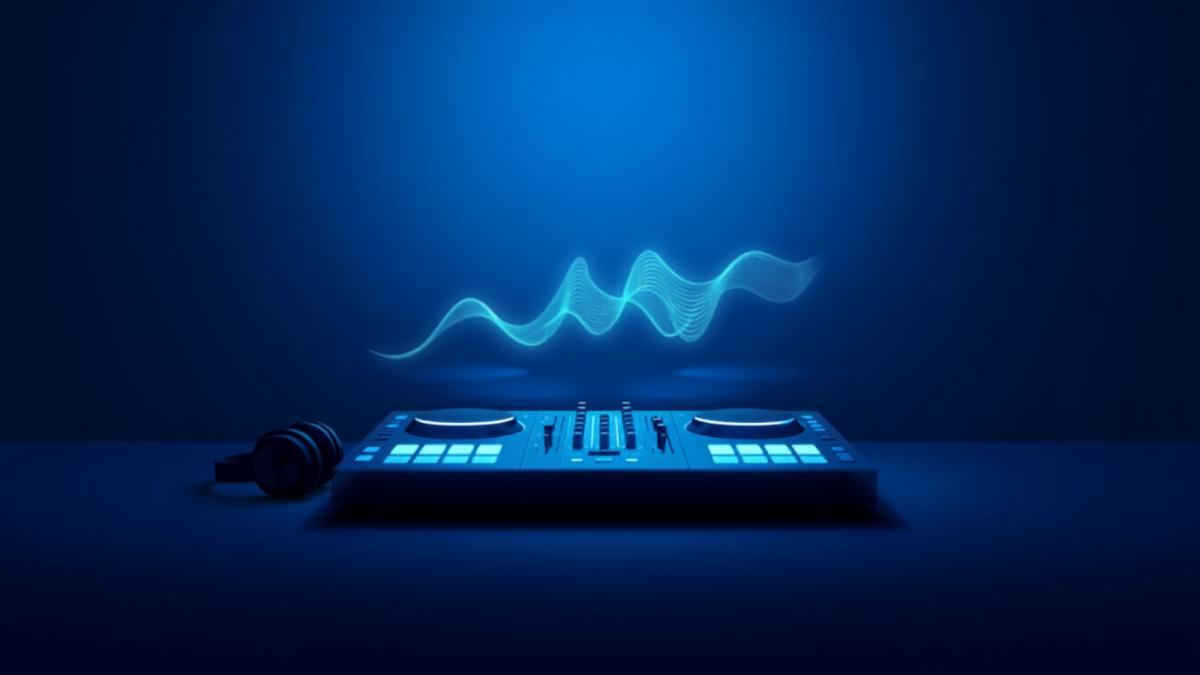
WebDJ is the fastest way to go live on Recupy: a broadcast studio that runs entirely in the browser, with nothing to install.Getting on airOpen the WebDJ page for your station and sign in with your DJ
WebDJ is the fastest way to go live on Recupy: a broadcast studio that runs entirely in the browser, with nothing to install.
Getting on air
- Open the WebDJ page for your station and sign in with your DJ account.
- Allow microphone access when the browser asks.
- Choose your sources: microphone, music files, or both mixed together.
- Press start - you are live, and AutoDJ steps aside automatically.
What you can drive from WebDJ
- Microphone talk-over: lower the music bed while you speak, lift it back after.
- Local files: load tracks from your computer for one-off specials without uploading to the library.
- Levels: watch your meters - a clean signal beats post-processing every time.
Practical tips
- Use headphones: they prevent echo between your speakers and microphone.
- Wired internet beats Wi-Fi for long shows; if you must use Wi-Fi, sit close to the router.
- Do a 60-second private test before your first real show - check levels and the handover back to AutoDJ.
When your shows outgrow the browser - multiple decks, hardware controllers - step up to a desktop encoder; your DJ account works there too.